Odoo Point of Sale — Kuwait
Your Whole Shop in One Screen
Online or offline, Odoo POS keeps selling. Works on any device with integrated payments, inventory sync, and customer loyalty — no separate POS software needed.
Get a POS Demo WhatsApp Us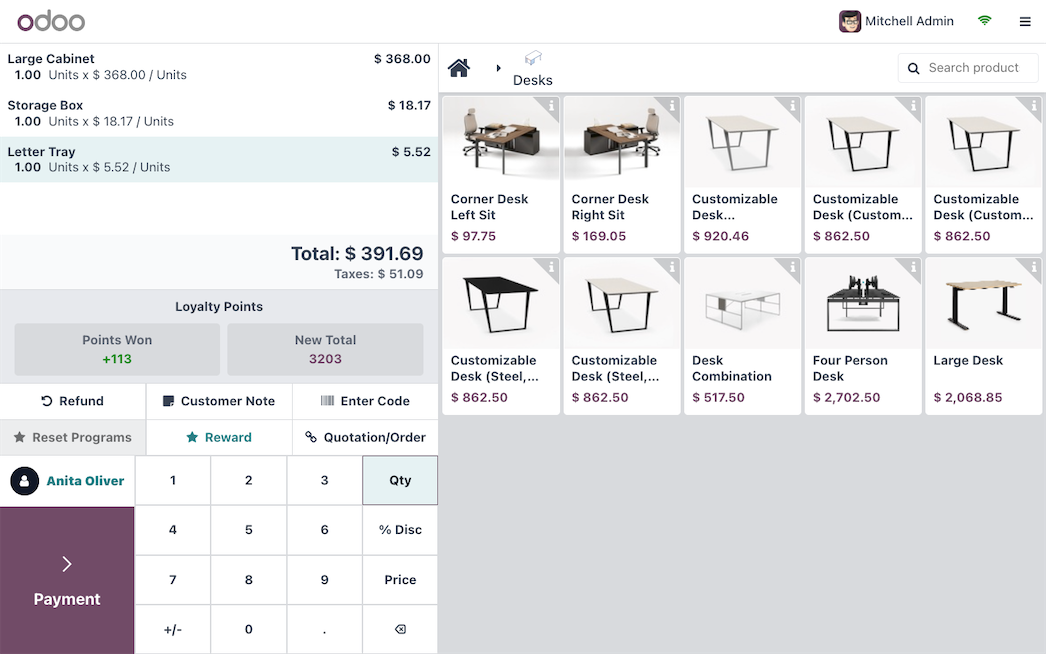
Beautiful, Intuitive Interface
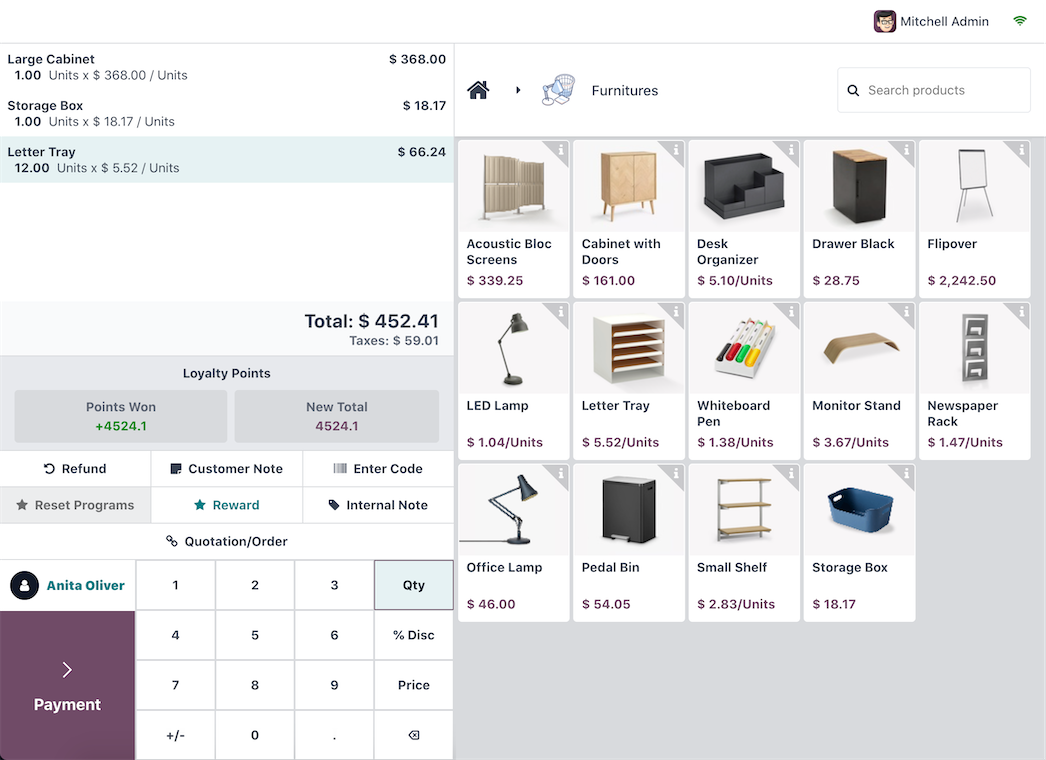
So simple your cashiers will need less than five minutes of training. Browse products visually, search by name or barcode, configure combos and modifiers — all from a clean, modern touchscreen interface.
Quick product search Barcode scanning
Product combos Table management
Integrated Payments
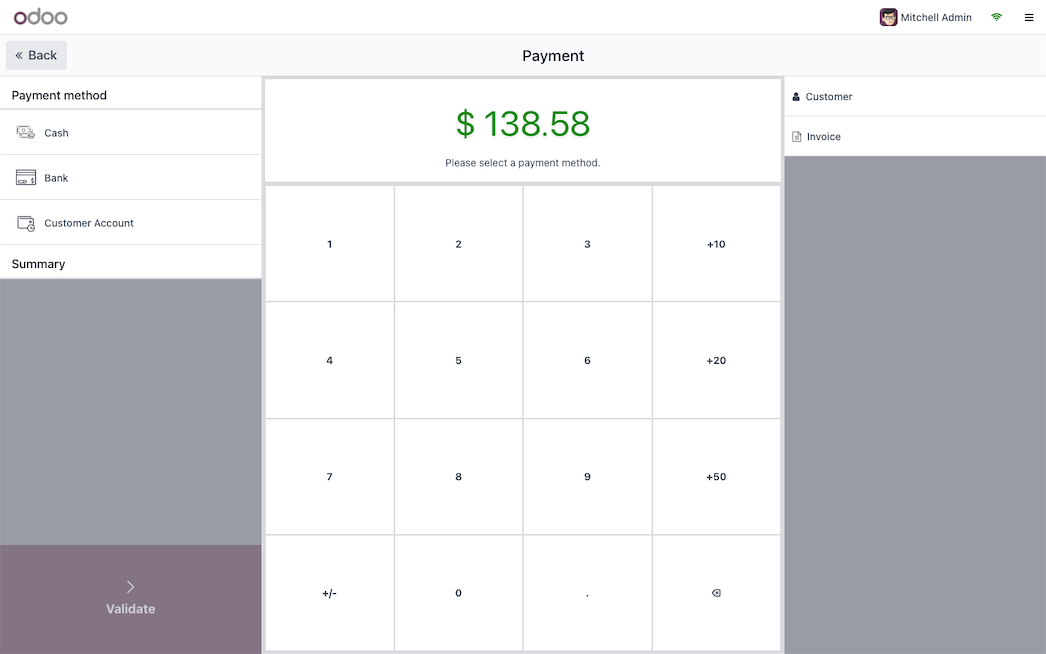
Connect your payment terminal directly. Customers tap, insert, or swipe — the amount is sent automatically, no manual entry errors. Supports split payments, partial payments, and multi-currency for tourists.
Auto amount push to terminal
Split payments across methods
K-Net & VISA/MC compatible
Self-Service & Kiosk Mode
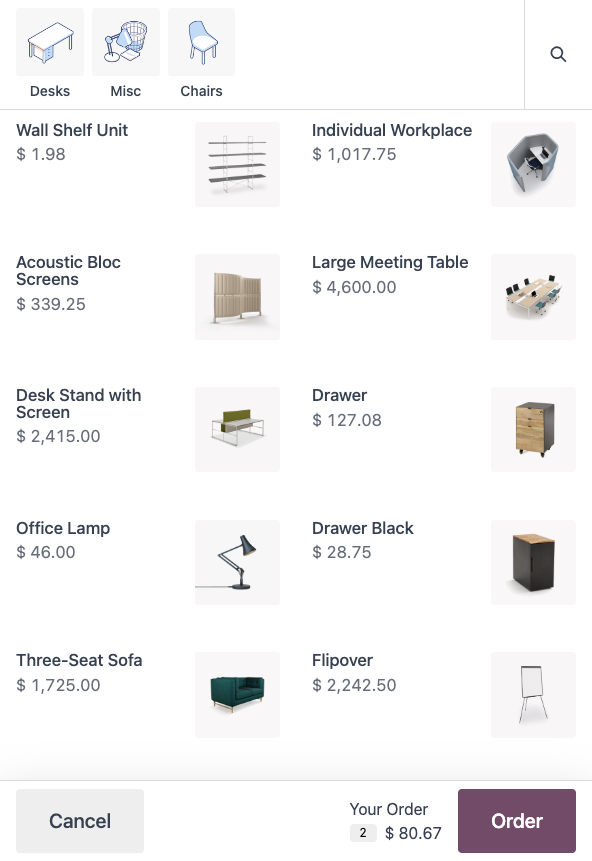
Let customers order on their own through a self-service kiosk or mobile device. Reduce wait times, minimize errors, and free your staff to focus on preparation and service.
Restaurant kiosk ordering
Mobile self-ordering via QR
Kitchen display integration
Everything a Modern POS Needs
Offline Mode
Internet goes down? POS keeps working. All transactions sync automatically when connectivity returns. Zero lost sales.
Loyalty & Gift Cards
Points per purchase, tiered rewards, eWallets, and gift cards. Runs in the background, no extra apps needed.
Real-Time Inventory
Every sale updates stock instantly. Multi-location visibility. Set reorder rules so you never run out of best-sellers.
Restaurant Mode
Floor plans, table management, split bills, tips, and kitchen printers. Designed for fast-paced food service.
Customer Accounts
Identify customers at checkout. View purchase history, apply store credit, and personalize the experience.
Sales Analytics
Revenue by session, cashier, product category, and time of day. Know what sells and when.
Frequently Asked Questions
What hardware do I need?
Any device with a web browser: iPad, Android tablet, laptop, or desktop. Odoo POS is browser-based. For printers and payment terminals, Odoo IoT Box or direct USB/Bluetooth works.
Does it work offline?
Yes. Odoo POS has a robust offline mode. Ring up sales, apply discounts, and print receipts even with no internet. Everything syncs when you reconnect.
Can I manage multiple shops?
Unlimited POS sessions across locations. Each shop gets its own config (payment methods, pricelists, receipts) while sharing the same product catalog and central reporting.
How fast is setup?
For a single retail shop, you can be live in 1-2 weeks. Restaurants with floor plans, kitchen display, and self-service take 2-4 weeks.
Ready to Upgrade Your Checkout?
We will set up a demo with your actual product catalog so you can see exactly how it works for your business.
Get a POS Demo WhatsApp Us